What you get
One library, one calendar, and a stamp before anything goes out.
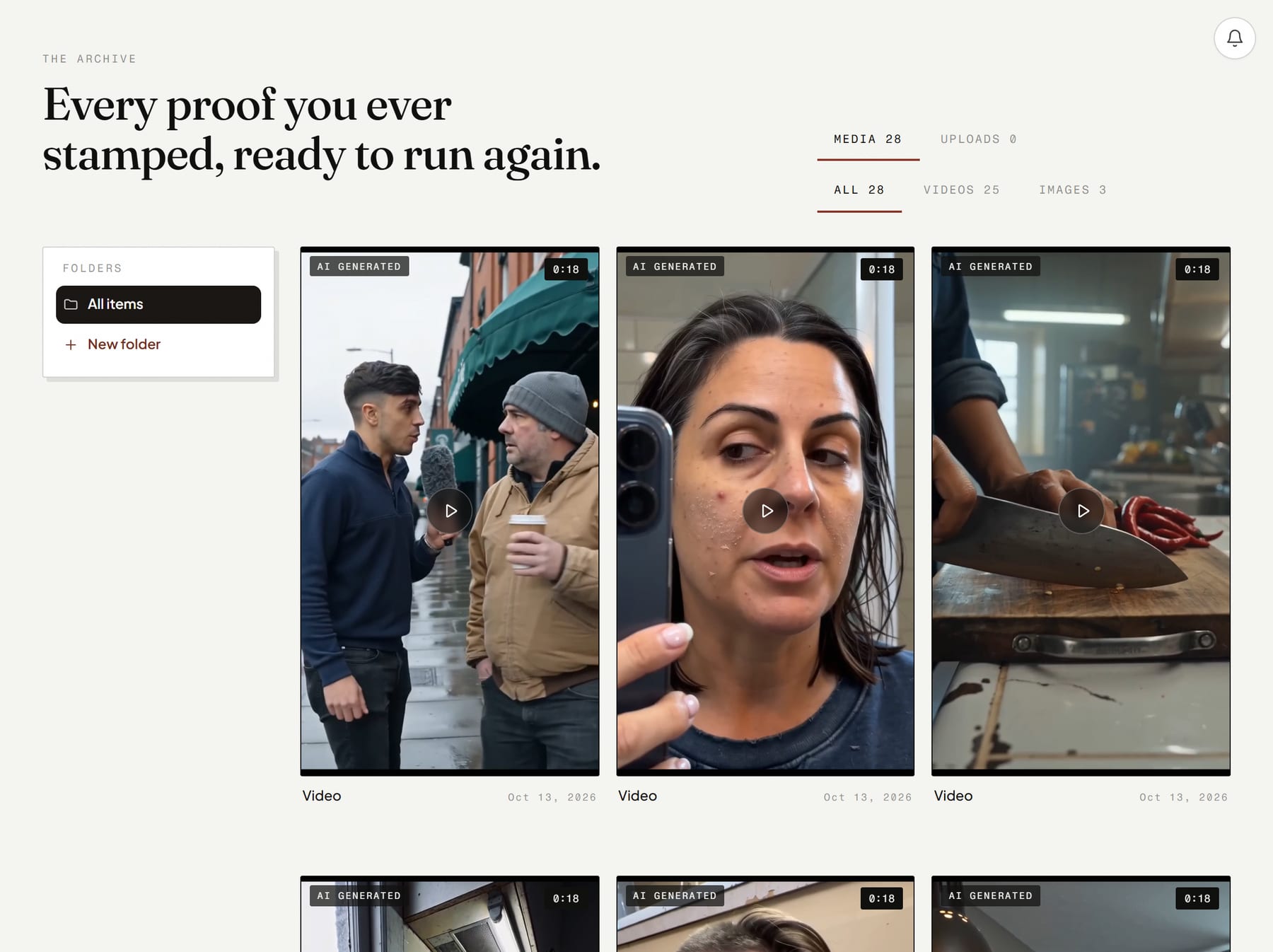
Every finished video, image and carousel is kept in one library.
One Post dialog sends to your profile and chosen platforms, now or scheduled.
Draft with AI writes a starting caption you can edit.
The calendar shows Needs stamp, Scheduled, Published and Failed.
Set standing schedules from every 15 minutes to monthly, in your timezone.
Post to 15 channels, from TikTok and Instagram to WordPress and Telegram.
How it works
From idea to done, in your hands.
- 1
You press Post on a library item, or finish a production.
- 2
You pick a profile and platforms, then write or draft a caption.
- 3
You post now or schedule it, and stamp anything marked Needs stamp.
- You give it
- A finished asset, your connected social profiles and a caption, plus a time if you are scheduling.
- You get
- Posts on your connected channels and a calendar of what is queued, sent or failed.
- Where you say yes
- The Stamp on the calendar, the publish step in each production, and the Brand Guardian warning in the Post dialog.
What it costs.
Part of your plan. No separate metering.
You see the price before you confirm. Credits are taken for finished work, and a fix to one part costs a fraction of a remake.
Good to know.
- Creator and Full Stack plans include posting. Operator plans do not.
- An item still at Needs stamp when its time passes does not publish, and there is no second reminder.
- Social sign-ins can expire. A post that cannot send shows as Failed.
- Every plan includes 1 social profile. Extra profiles are $5 a month each.
Questions, answered.
Does anything post without approval?
Which channels can I post to?
Can I cancel a scheduled post?
Be a marketer again.
Hand it over. You see what Skiprr learned about your brand before you pay anything.