
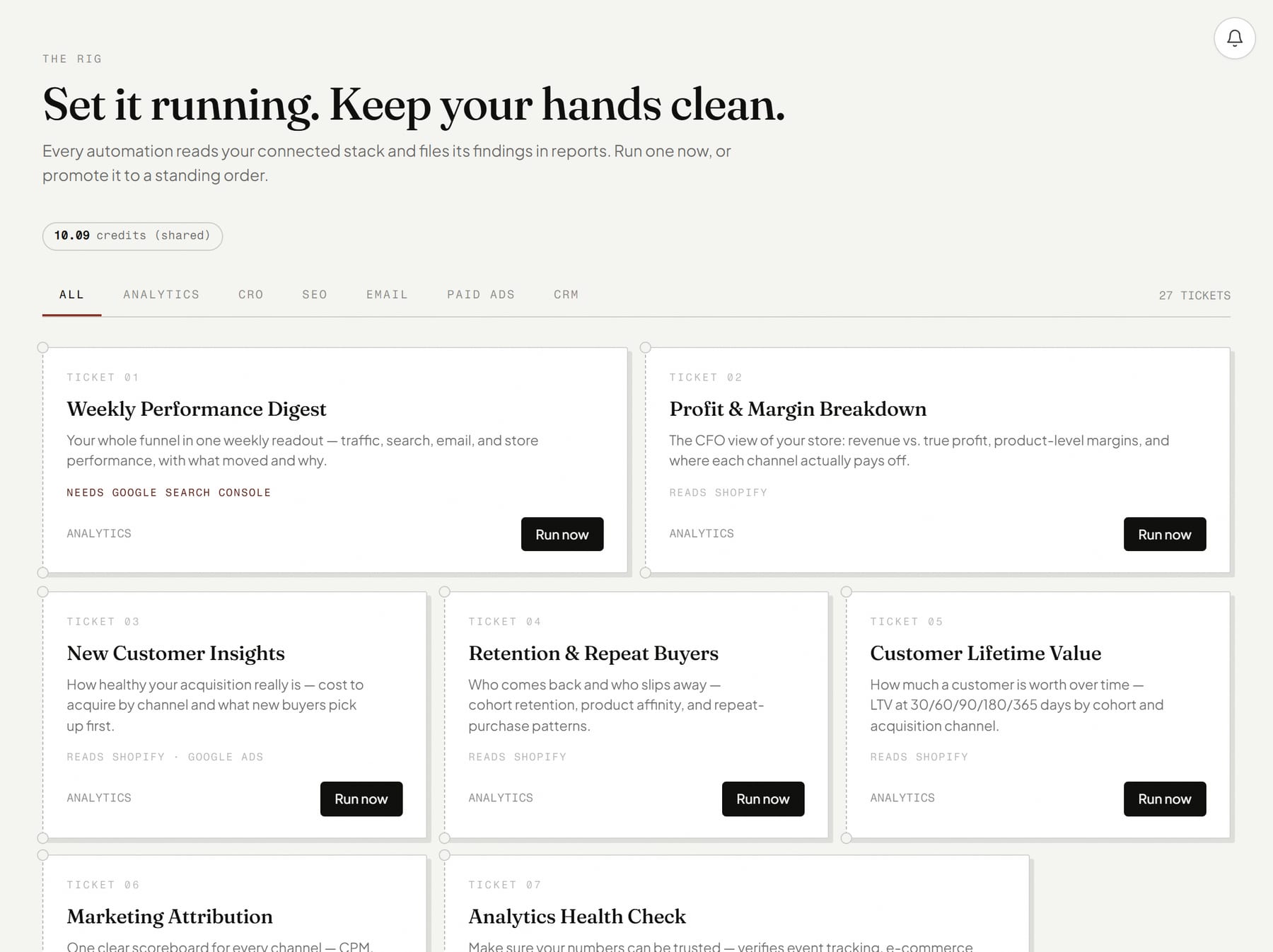
Reports that run when you click, or when you are asleep.
A catalogue of automations that pull your numbers from the tools you already use, analyse them and write up what they found. One flat price per run.
About a minute. You see what Skiprr learned about your brand before you pay anything.
What you get
32 reports you run on demand or on a schedule.
32 reports across analytics, CRO, email, paid ads, SEO, CRM and cross-platform.
Each card lists what it needs. If something is missing, it links you there.
Narrow a run with a focus, a keyword or a page URL.
Runs go in the background. Watch progress in Jobs, read the result in Reports.
Put any report on a schedule, daily, weekly or monthly, with a standing brief.
How it works
From idea to done, in your hands.
- 1
You open Automations and pick a report.
- 2
You add a focus if you want one, then press Run report.
- 3
You read the result in Reports while Jobs shows progress.
- You give it
- Your connected data sources, and optionally a focus or a few details like a keyword or page URL.
- You get
- A written report, or an HTML slide deck, in Reports.
- Where you say yes
- Nothing to approve before a run. You triage the result afterwards by status.
What it costs.
A flat 0.33 credit per run, however much data it reads.
You see the price before you confirm. Credits are taken for finished work, and a fix to one part costs a fraction of a remake.
Good to know.
- Operator and Full Stack plans include reports. Creator plans do not.
- Each report needs its matching connection, or the card will not start.
- A stopped run still costs what it spent. Retry picks up from where it stopped.
Questions, answered.
What does a report run cost?
Can I run one every week?
What if a source is not connected?
Be a marketer again.
Hand it over. You see what Skiprr learned about your brand before you pay anything.